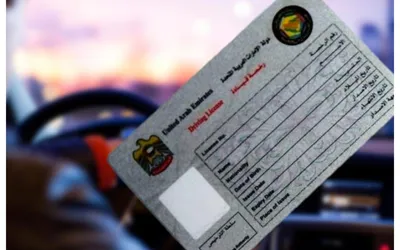
Renewing your driving learning permit in Dubai has never been easier with the Roads and Transport Authority's (RTA) user-friendly online platform at rta.ae. If your learning permit is about to expire or has already been deactivated, follow these simple steps to renew it from the comfort of your home.
Step 1: Set up a UAE Pass Account Create a UAE Pass account, serving as your national digital identity for both residents and visitors in the UAE.
Step 2: Visit the RTA website.
- Click on 'Login' (located at the top right).
- Sign in using UAE Pass.
- Navigate to 'Licensing' and select 'Licence category.'
- Click on 'Apply for a New Driving Licence.'
- Answer questions and choose your license category. After selecting your category, you'll receive a prompt to reactivate your learning file. Click on the provided link.
- Click 'Pay Now' after viewing the renewal fee (Dh320).
- Enter your card details on the payment platform.
- Upon successful payment, receive confirmation from the RTA.
- In 'My Licensing,' click 'Learning Permit' to view or download it.
- In 'My Exams,' click 'Book an Exam' to schedule theory or practical exams.
Cost
- Dh100: Renewing learning permit
- Dh200: Opening/modifying learning file data
- Dh20: Knowledge and Innovation Fees
[embedpost slug="/2000-driver-jobs-announced-in-saudi-arabia-for-2024/"]